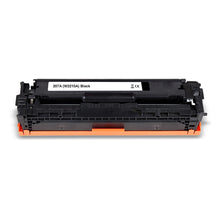
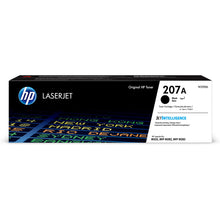
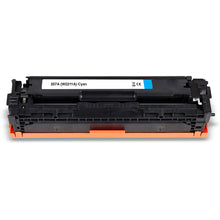
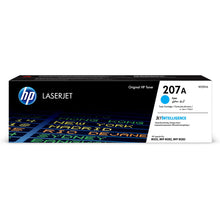
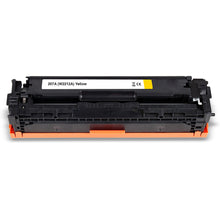
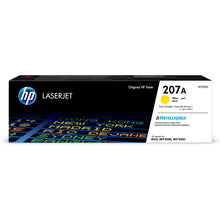
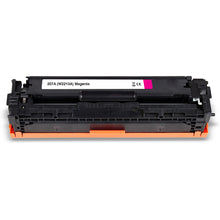
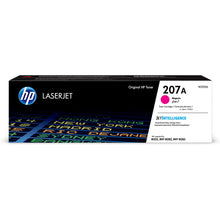
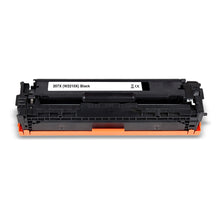
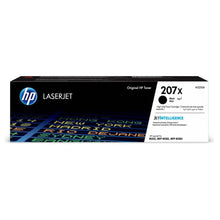
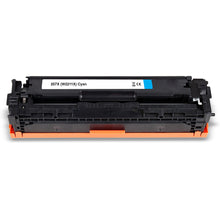
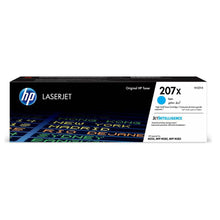
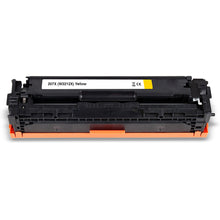
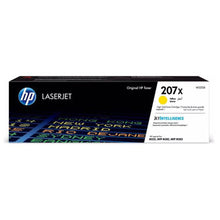
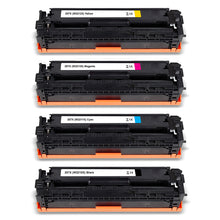
HP 207A or HP 207X – which toner fits?
● HP 207A toner (W2210A) — Standard capacity: 1,350 pages (black), 1,250 pages (color) – ideal for moderate print volumes
● HP 207X toner (W2210X) — High capacity: 3,150 pages (black), 2,450 pages (color) – ideal for intensive office use
Why Inkolor – Swiss quality since 2007
Inkolor is a Swiss family business based in Giswil, founded in 2007. All toner cartridges are shipped from our own Swiss warehouse in Alpnach Dorf with Swiss Post, come with a 3-year money-back guarantee, and offer savings of up to 60% compared with original HP 207A and 207X toners. For every order, we plant a tree with Tree-Nation.
The HP Color LaserJet Pro M283fdw is an all-in-one color laser printer for small to medium-sized offices – with printing, copying, scanning and faxing, automatic duplex, touchscreen and mobile printing solutions such as Apple AirPrint. Compatible HP M283fdw toner from Inkolor delivers the same razor-sharp print quality as original products – certified to ISO 9001 and ISO 14001, with an active chip and a precise fit for the M283fdw.
Compatible vs. original HP 207 toner – a fair comparison
Original HP 207A and HP 207X toner cartridges meet the highest quality standards, but are significantly more expensive than compatible alternatives. Compatible HP M283fdw toner from Inkolor delivers equivalent print quality in independent tests – razor-sharp text, brilliant colors and identical page yields. Savings are up to 60% compared with original toners, without compromising print performance. The printer warranty remains fully intact under Swiss and European law.
Important note – disable the cartridge policy on the M283fdw
The HP Color LaserJet Pro M283fdw has an active cartridge policy enabled by default, which accepts only original HP toner. To use compatible toner cartridges, this function must be disabled once via the printer menu or browser. Detailed instructions are included as an information sheet with every Inkolor delivery. For similar HP Color Laser models, you can find suitable toner in our collections for the HP Color Laser MFP 178NW and the HP Color LaserJet Pro MFP M177fw.
Frequently asked questions about the HP Color LaserJet Pro M283fdw
Which toner cartridges fit the HP Color LaserJet Pro M283fdw?
The HP Color LaserJet Pro M283fdw uses the HP 207A and HP 207X toner cartridge series – available in black (W2210A/W2210X), cyan (W2211A/W2211X), magenta (W2213A/W2213X), and yellow (W2212A/W2212X). All M283fdw toners available from Inkolor are precisely matched to this printer and ready to use immediately.
Are compatible HP M283fdw toners just as good as original products?
Yes – compatible HP 207A and HP 207X toners from Inkolor are certified according to ISO 9001 and ISO 14001 and deliver equivalent print quality in independent tests. Razor-sharp text, brilliant color prints, and high page yields are guaranteed – with savings of up to 60% compared to original HP toner cartridges.
What is the difference between HP 207A and HP 207X toner?
HP 207A is the standard-yield version with 1,350 pages (black) and 1,250 pages (color) – ideal for home offices and moderate print volumes. HP 207X offers high yield with 3,150 pages (black) and 2,450 pages (color) – the more cost-effective choice for intensive office use with regularly high print volumes.
How do I disable the cartridge policy on the HP M283fdw?
Open the printer page via your browser (enter the IP address) or use the touchscreen menu: Settings → Printer → Cartridge Policy → Disable. Alternatively, you will find complete step-by-step instructions on the information sheet included with every Inkolor delivery. Once disabled, the printer recognizes compatible toner cartridges immediately.
How quickly will I receive HP M283fdw toner delivered from Inkolor?
Inkolor ships all toner cartridges from its own warehouse in Alpnach Dorf, Switzerland. If you order by 4:30 p.m., in-stock items are shipped the same day with Swiss Post. A Mail delivery takes place on the next business day – throughout Switzerland and the Principality of Liechtenstein.